Exit code 137 and a Last State: Terminated, Reason: OOMKilled mean the kernel killed your container for exceeding its memory limit. The fix sounds obvious — raise the limit — but the most common failure is that the fix never actually reached the running pod.
Check that your last fix took effect
$ kubectl get deploy events-analytics -n analytics
NAME               READY   UP-TO-DATE   AVAILABLE   AGE
events-analytics   1/1     0            1           41d
UP-TO-DATE: 0 is the alarm: no pod is running the current template. The deployment shows the new limit, but the pod serving traffic is still the old one.
Then look one level down
$ kubectl describe rs events-analytics-6c8b94f7d9 -n analyticsThe ReplicaSet's events usually tell you why the new pods cannot be created — often a namespace quota or LimitRange rejecting the new limit.
This incident, and twenty-nine more like it, are dissected in Kubernetes Postmortem.
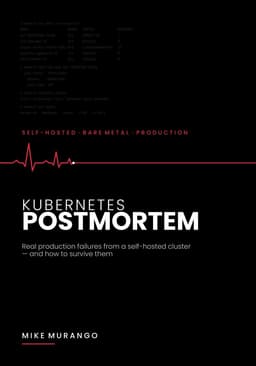
Kubernetes Postmortem
Real production failures from a self-hosted cluster — and how to survive them
Get the book